

1. Sport selection
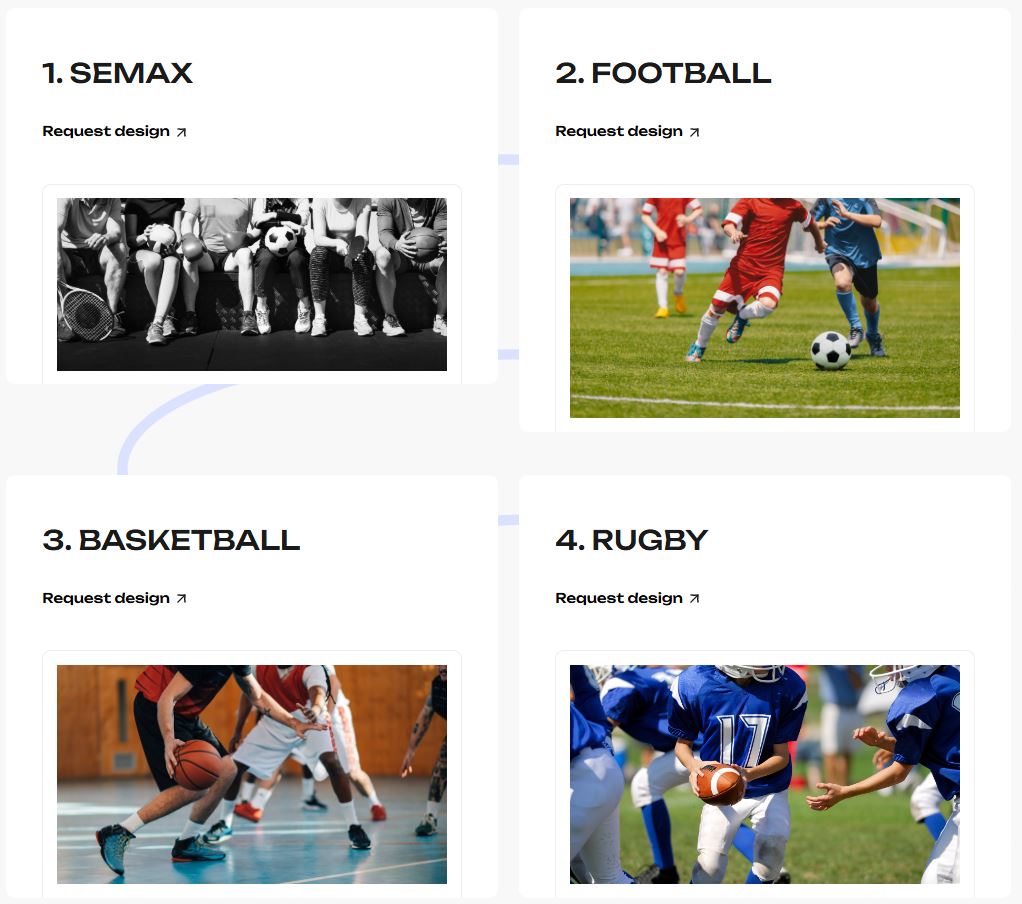
Select the sport of the garment you are looking for. Remember to check our catalogues beforehand to see models made with real product photos.
2. Personal information
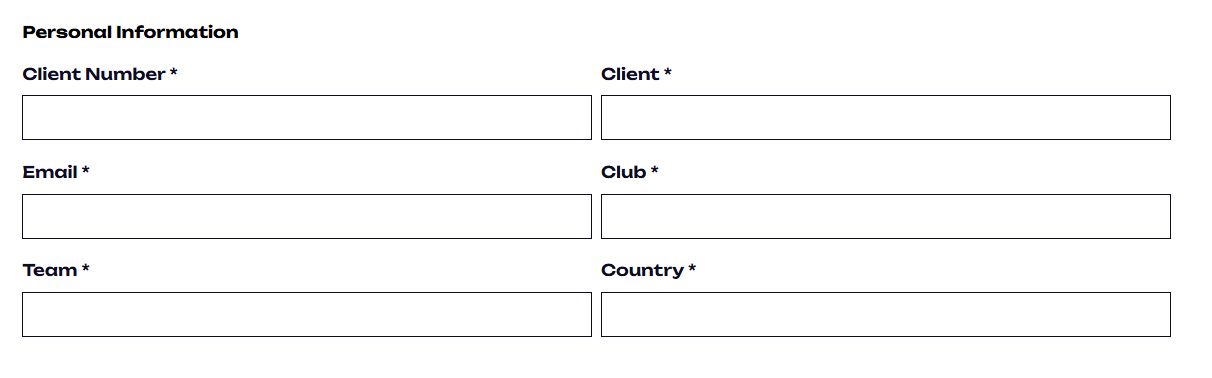
Fill in your personal information: enter your details and select your country.
3. Select your pattern
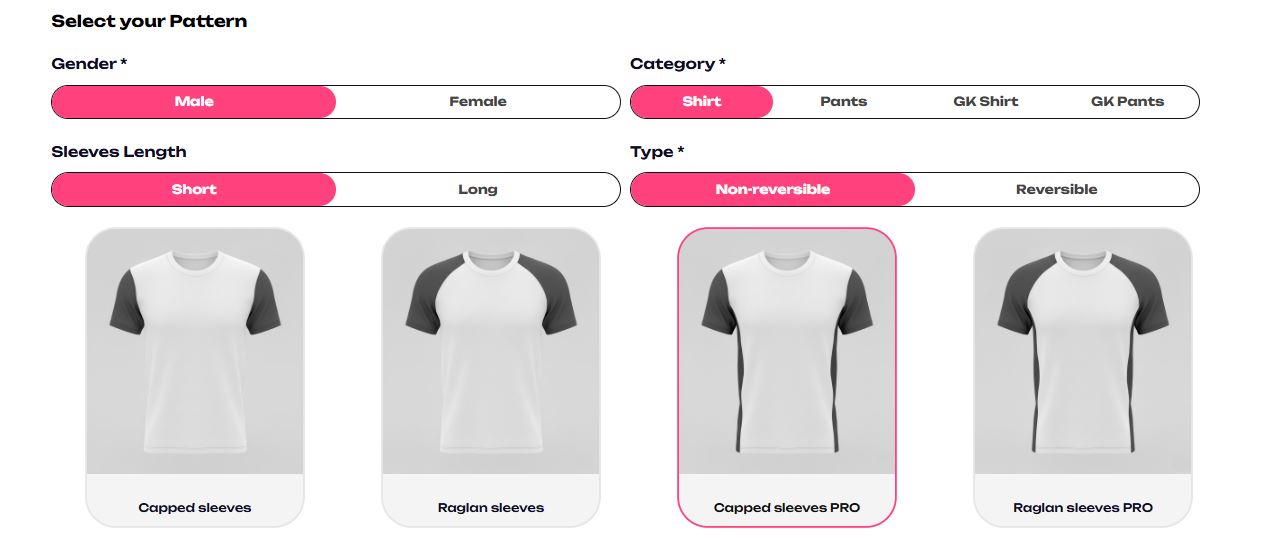
Using our filters, choose the garment you want.
Keep in mind that these are 3D models and may not match the original garment 100%, so if you want to see a real photo, you can check our catalogues.
4. Select your fabric
Once you have chosen your garment, select its main fabric. If you want a different fabric, select “other” and write it manually.

5. Upload your design references
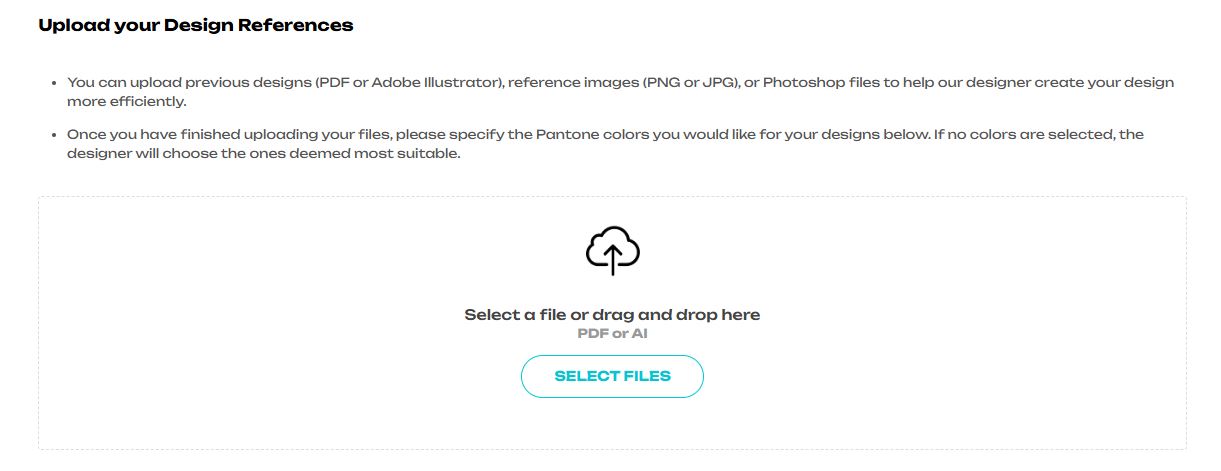
In this section, you can upload ideas for your garment design, whether using photos, drawings, or previous designs requesting new changes.
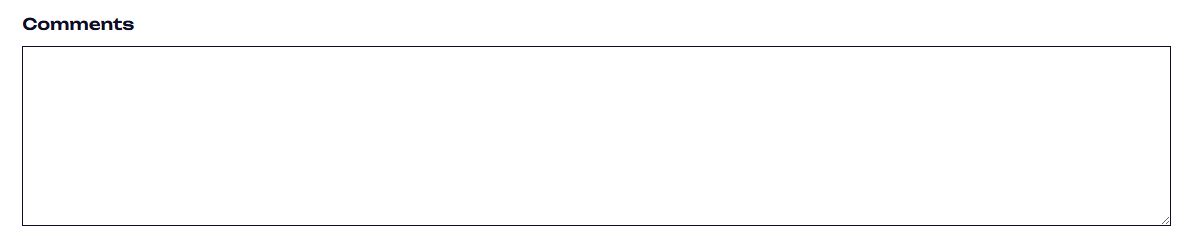
Remember that if you want to communicate something to your designer, you can do so in the last field, under “Comments”.
6. Colors
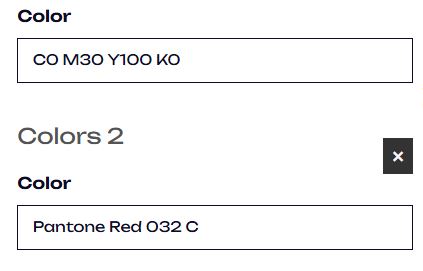
Specify the colors you want for your design in CMYK or Pantone format.
Do this using a physical color chart; if you don’t have one, you can contact us and we will provide it. This is essential, as on-screen colors differ significantly from those printed on fabric. If you don’t have a color chart, leave this field blank and let the designers choose for you.
7. Upload your logos
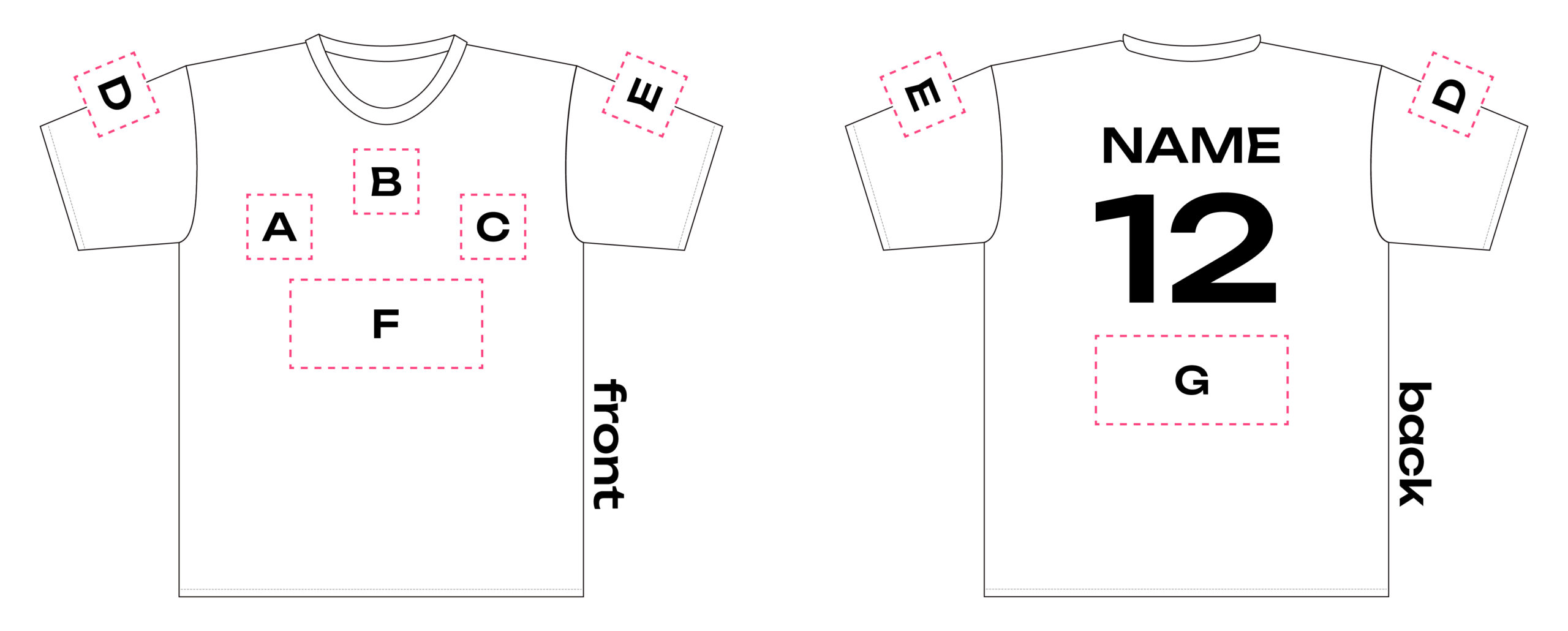
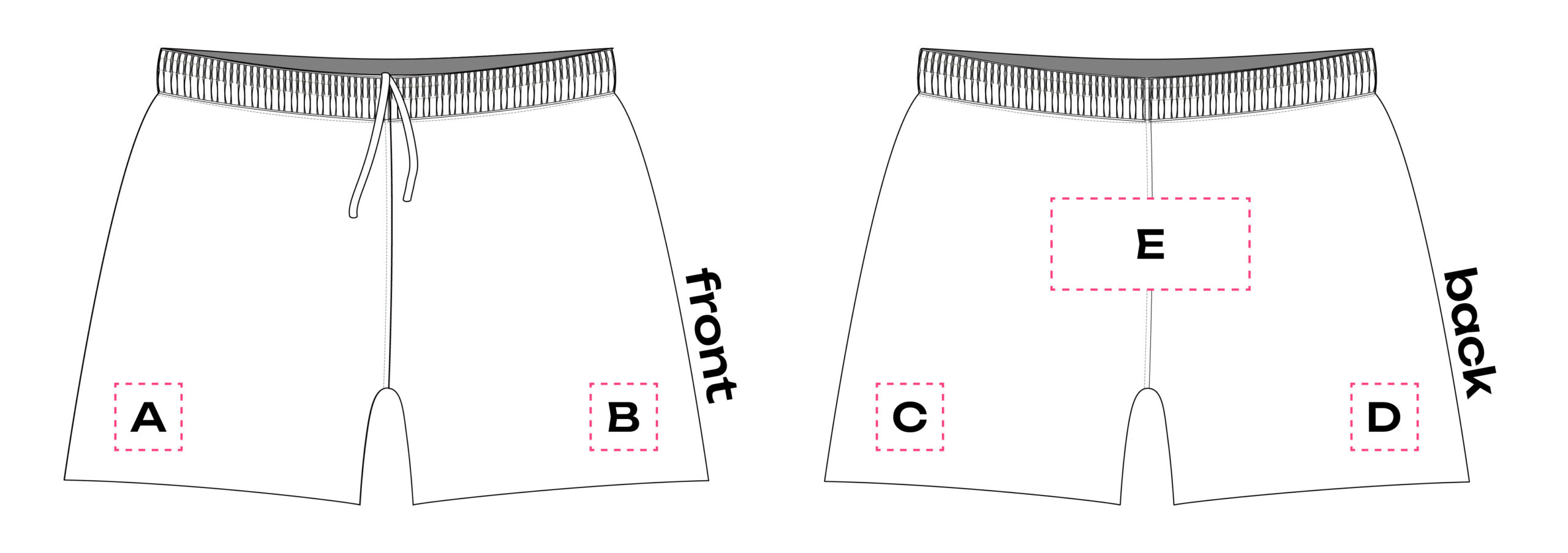
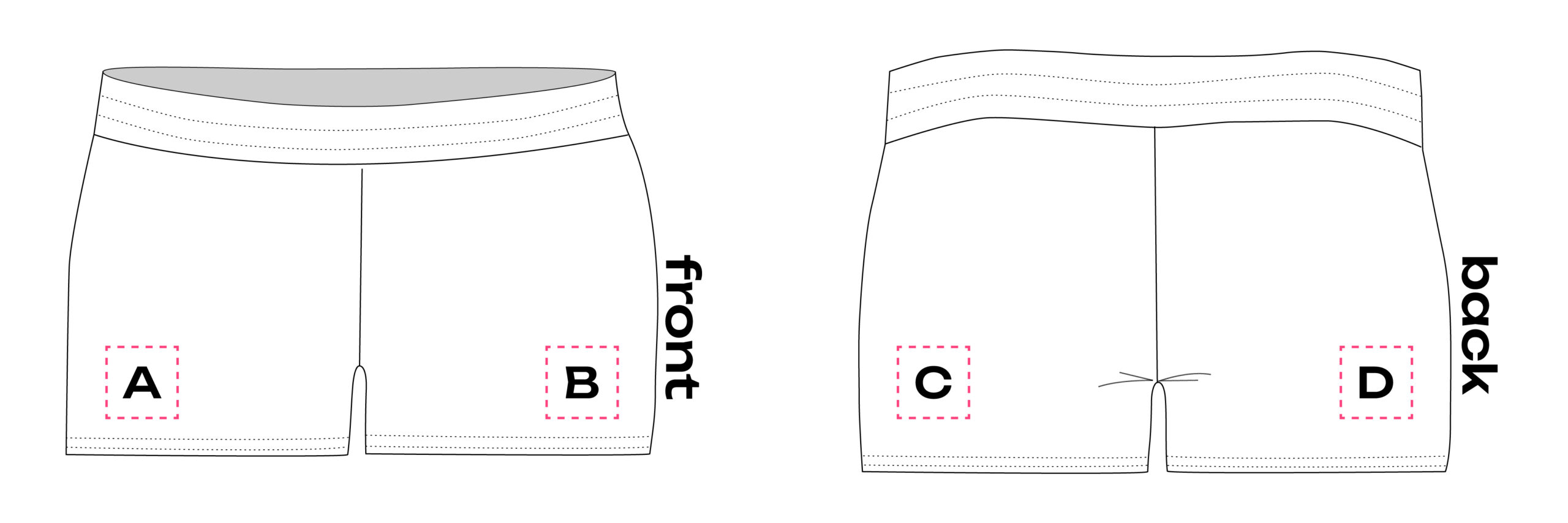
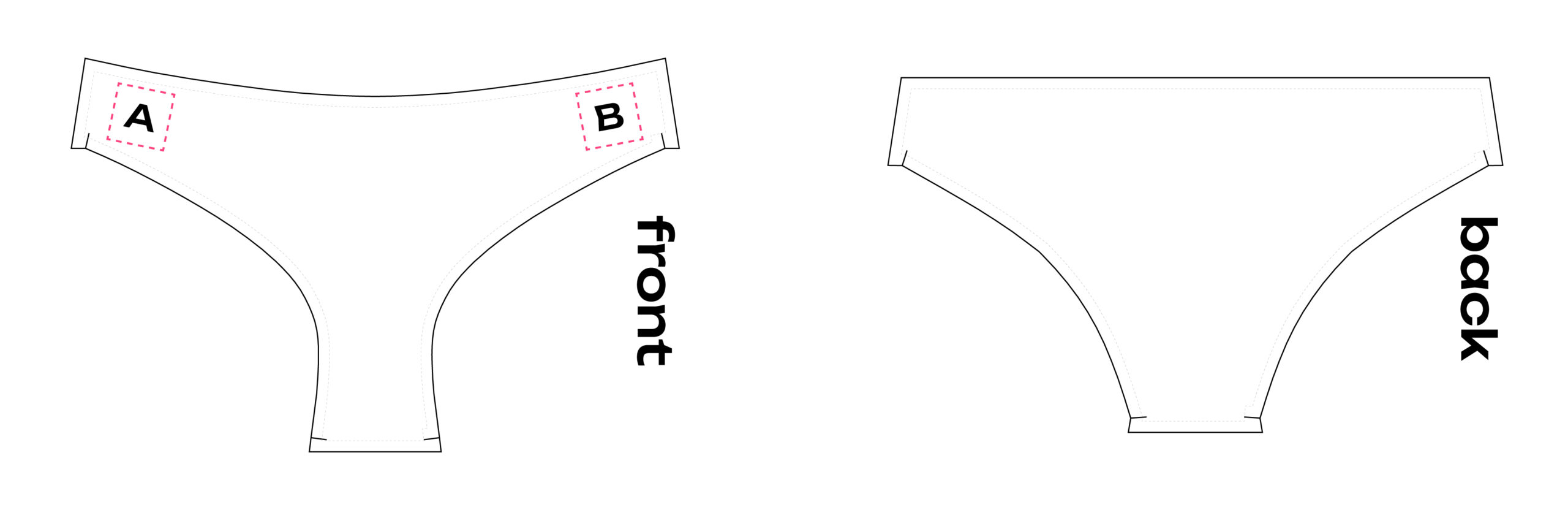
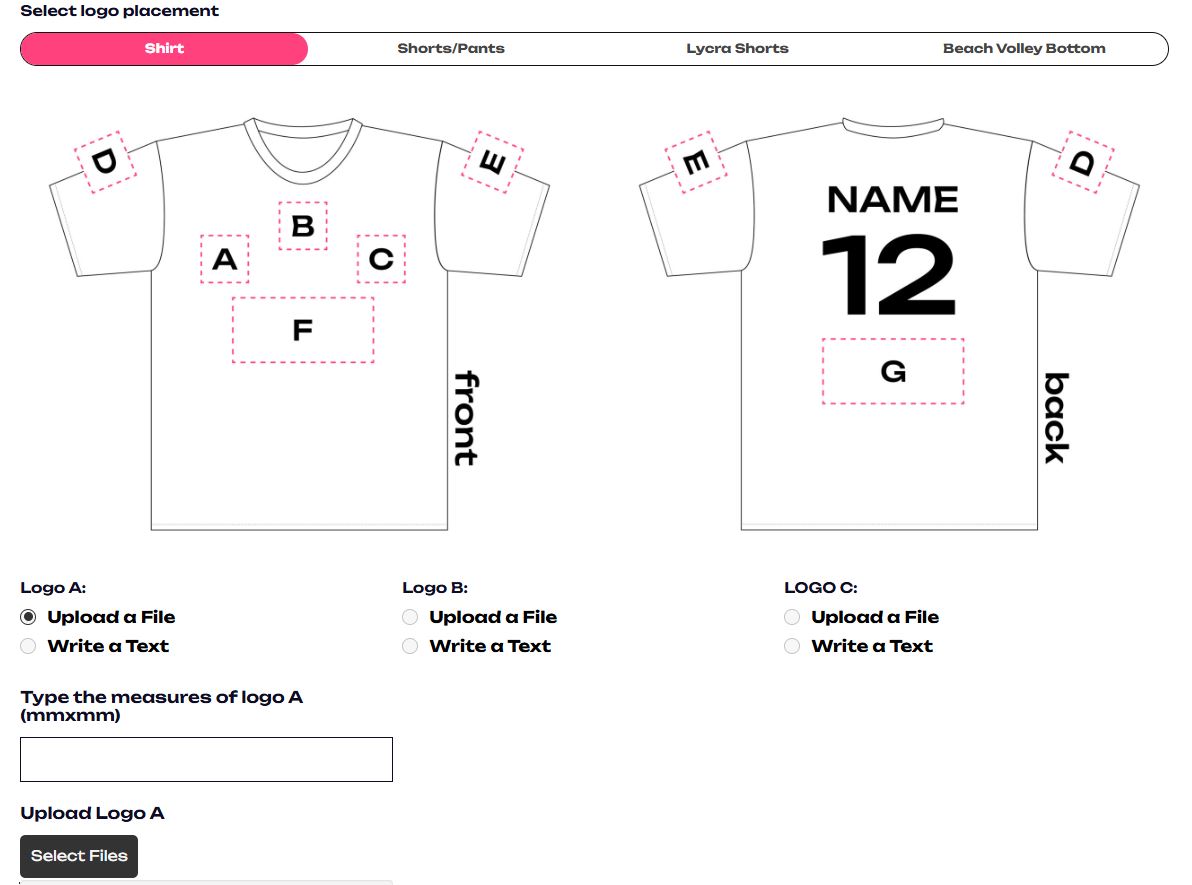
Choose the type of garment you selected earlier (shirt, shorts, lycra shorts, etc.) and check the image for the available logo placements. Then, for each position you want, either upload your file or write the text you want to appear as a logo.
Keep in mind that if you upload a file that is not vectorized, an additional €10 will be charged for each logo that needs to be vectorized by the designers.
8. Names and numbers
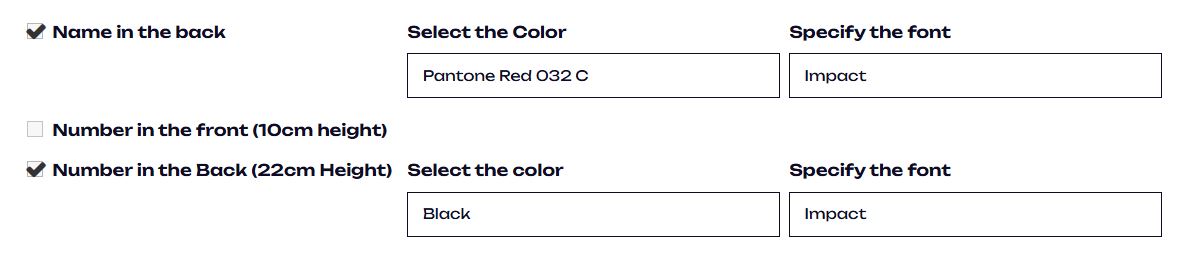
If you want your garment to include a name or number, select the relevant fields and specify the font and color.
Keep in mind that writing names, numbers, and other details is not done in this form, but in the order form, together with the selection of sizes.
9. Comments
This form cannot cover all possible design requests, so if you have any issues with the available options, you can write your specific requirements here and we will work to achieve the result you expect.